

Release notes
Studio ships improvements continually. The release notes tell you what is new, what changed and what was fixed.
In Studio
Section titled “In Studio”The notes live inside the product, so they always match the version you are running.
- After an update. The first time you open Studio after a new release, a What’s new window shows the notes of every release since your last visit, starting with the newest. Use Older release and Newer release, or the release picker, to move between them. Select Show all releases to browse the whole history. Closing the window marks them as seen, so it does not reappear for the same releases.
- Any time. Select the information button in the top bar to open About, then choose Release notes. About also shows the Version and Build you are on.
If you are new to Studio, the window stays quiet on your first visit. There is nothing to catch up on.
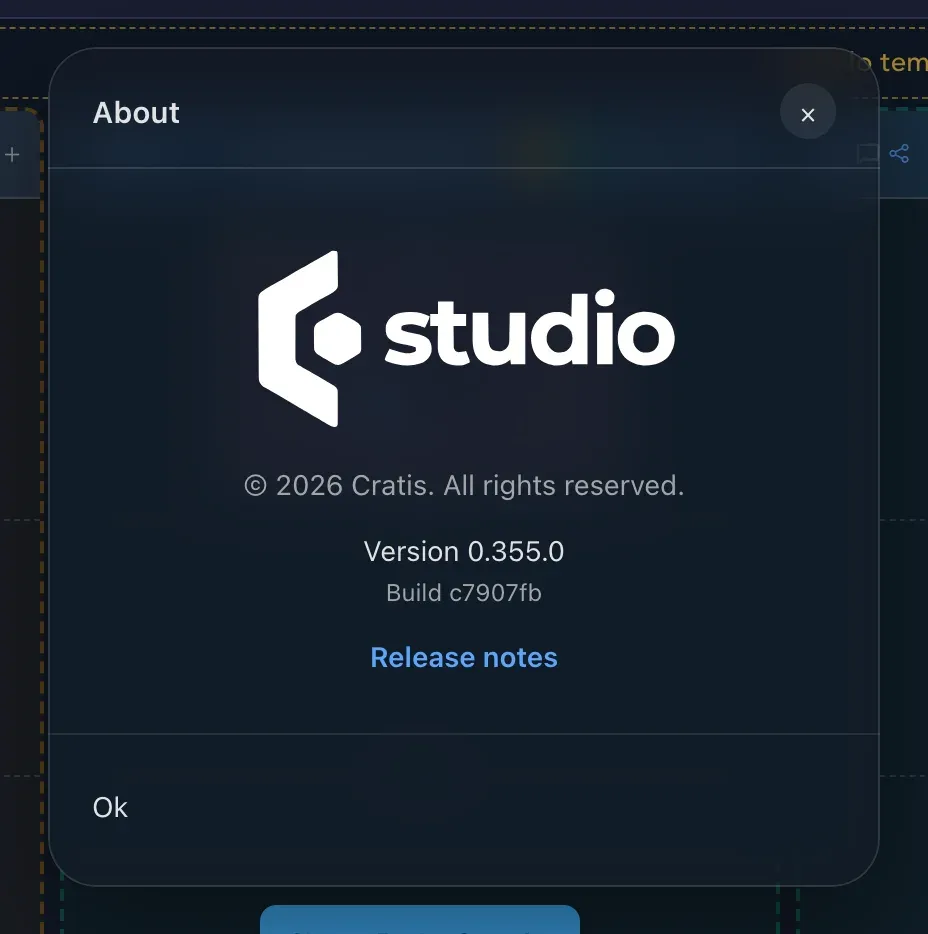
The About dialog. Select Release notes to read what changed.
On the web
Section titled “On the web”Product news and the public website are at cratis.studio.
Related
Section titled “Related”- Get help for announcements and how to reach the team.
- Get started, if Studio is new to you.
- Issues you reported show the version they were done in. See Statuses and colors.