

1. Think it through
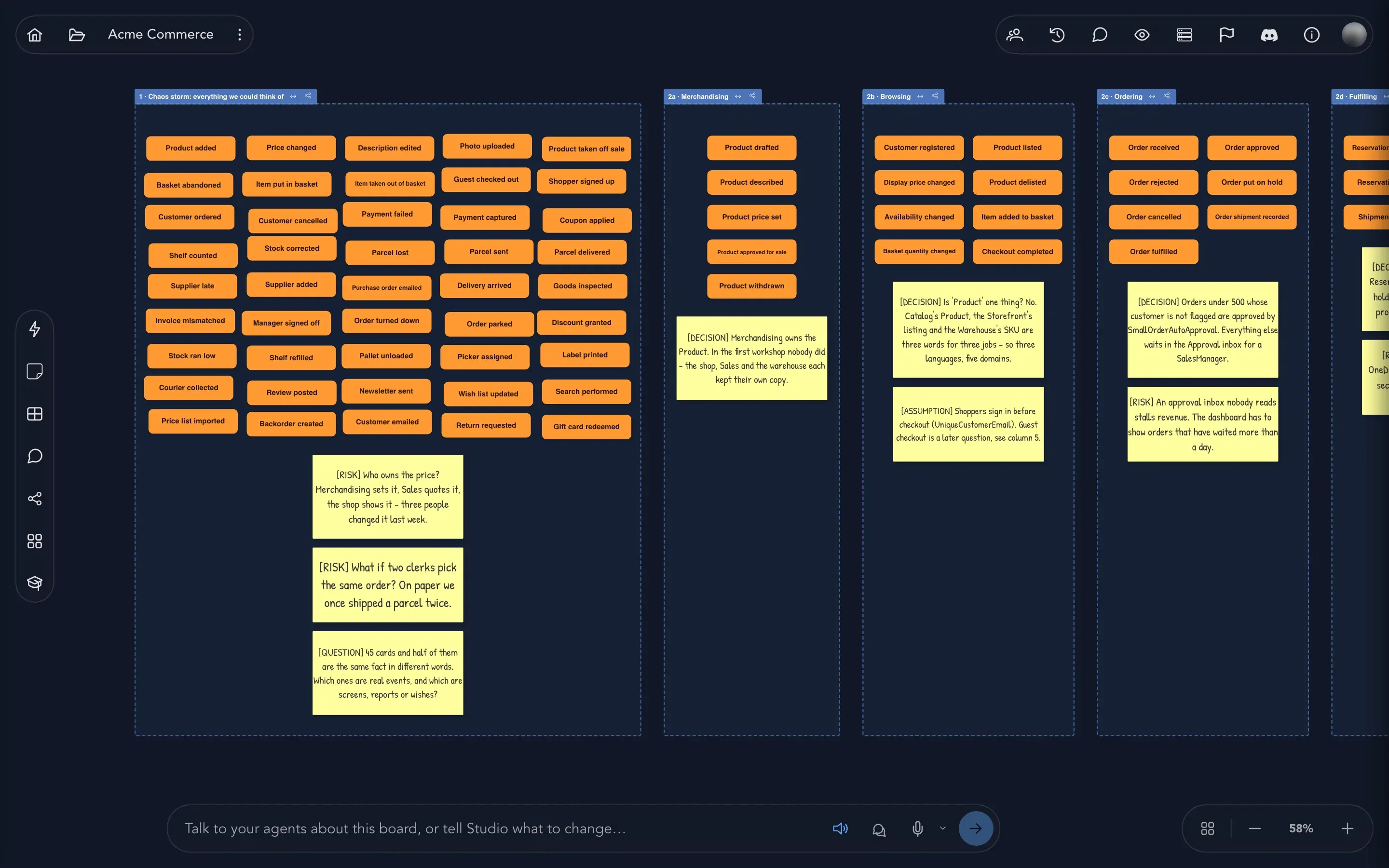
Capture everything you can think of on a brainstorming board, then sort it into regions and turn it into the start of a model.
Cratis Studio is a workspace where a team describes how a system should behave, together, before anyone builds it. You lay the behavior out on one big board, check it with examples, try it out as a running application, and then carry it on to working software.
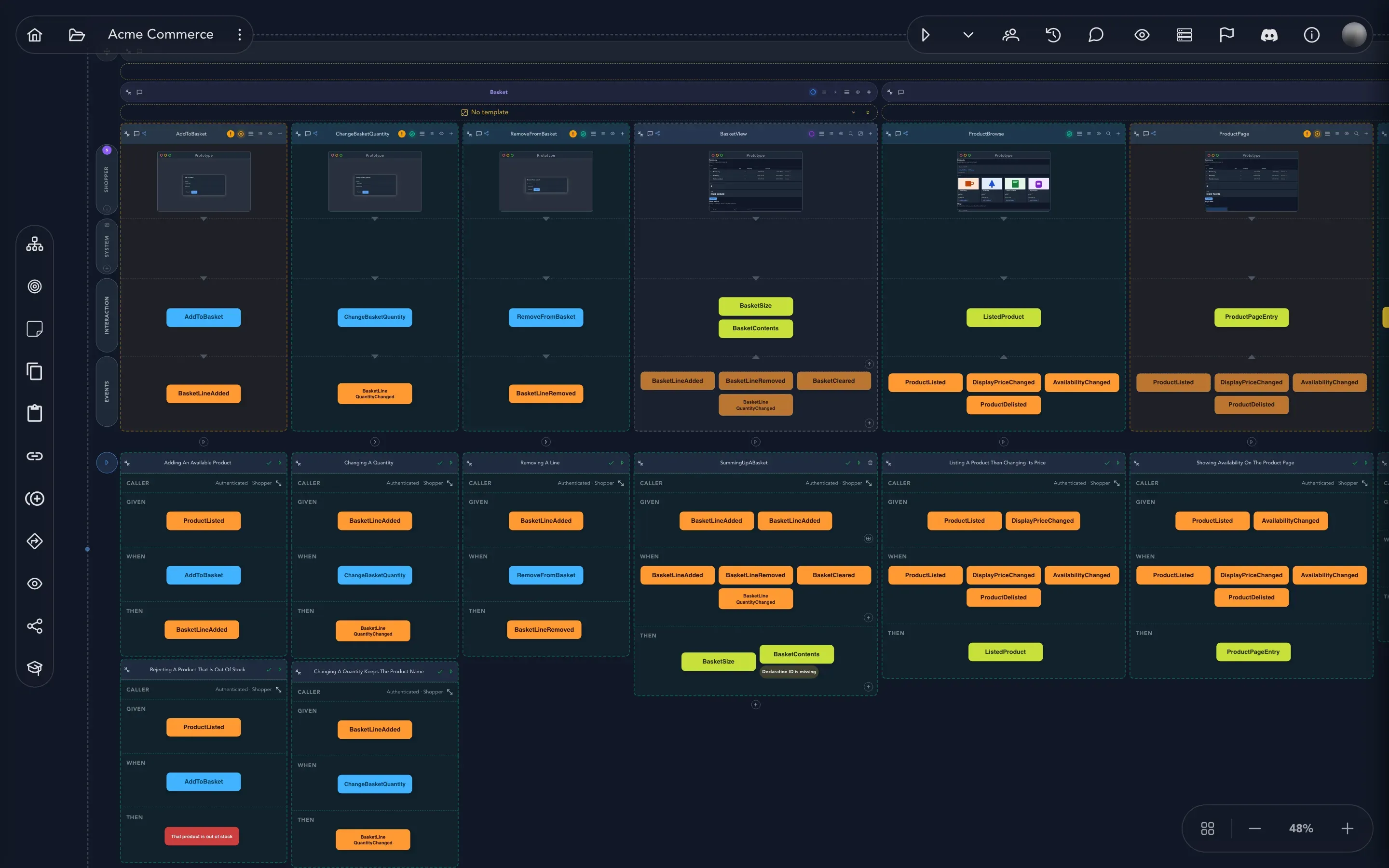
You do not need to be a developer to read this board, or to work on it. If you can follow a storyboard, you can follow an event model.
Studio is made for the whole team: product owners, domain experts, business analysts, designers and developers. They all work on the same picture, at the same time, and everyone sees what the others change.
Most teams move through the same few stages. You can start at any of them, and go back whenever you learn something.
1. Think it through
Capture everything you can think of on a brainstorming board, then sort it into regions and turn it into the start of a model.
2. Draw how it behaves
Put the behavior on the event model board: what people ask for, what the system records and what people see afterwards.
3. Design the screens
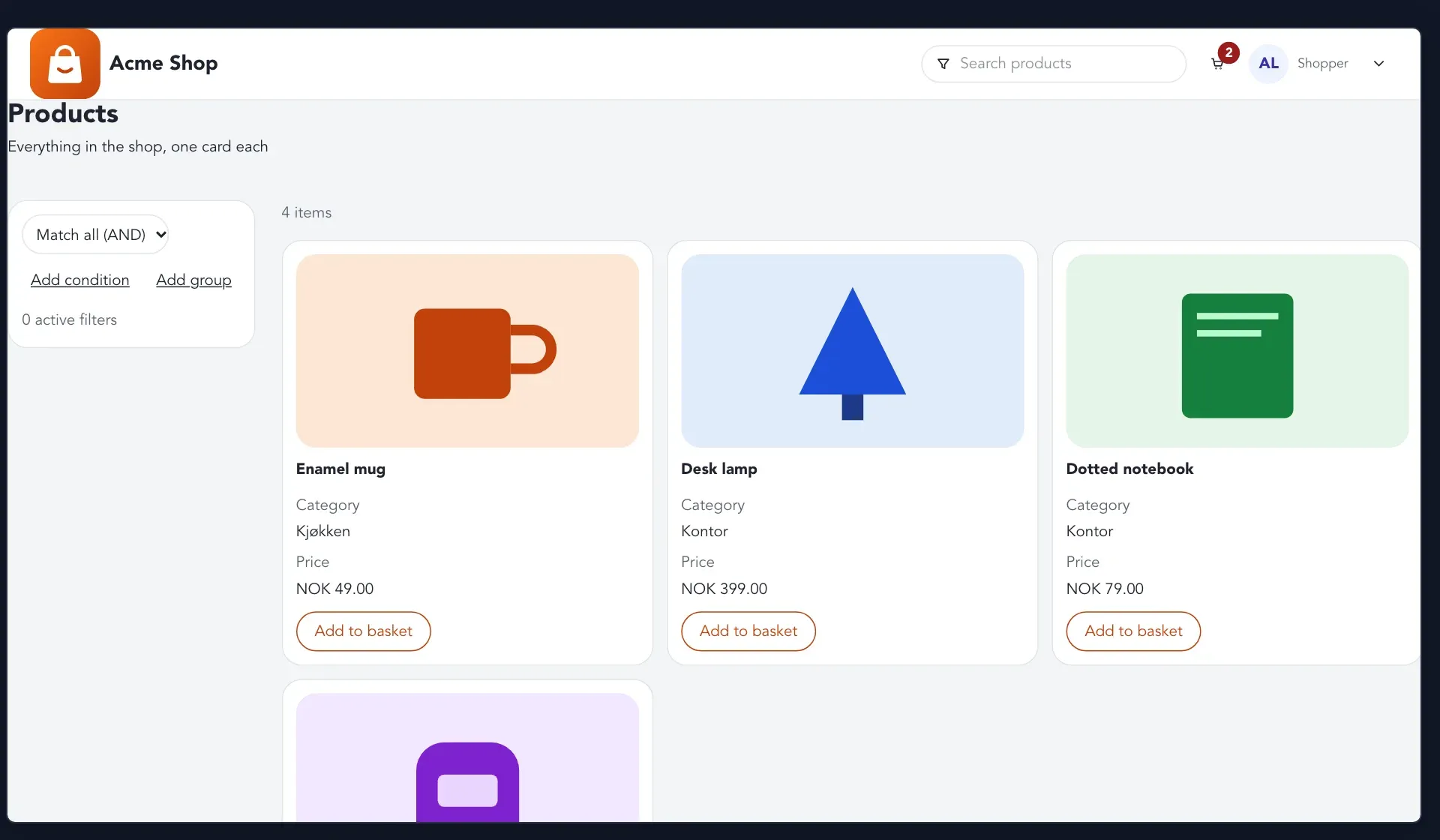
Give each step a screen, so everyone sees what the person at the keyboard sees.
4. Check and try it
Write examples that say what should happen, and run the whole model as a small working application.
5. Build and deliver
Hand the model on, track how far along each piece is, and generate or build the software. See Build and deliver.
6. Share it
Export the model, share a link to a snapshot of it, or keep it in step with a Git repository. See Share and export.
A few ideas carry the whole product. They are explained properly in Event modeling; here is the short version.
A system is a story told in time. You describe what happens in the order it happens. A shopper opens the basket, adds a mug, and later checks out. Each step lands to the right of the one before.
Every step is one of three things. Something a person or the system asks for is a command, and it can be refused. Something that happened is an event: a fact that is never taken back. Something you look at afterwards is a read model, built from the facts. Here is one step of the Acme Commerce shop:
One step is one slice. A column on the board, with one behavior, is called a slice. Related slices are grouped into features, and features into modules: one module for each area of your business.
Your work is organized in a project. A project holds one or more applications, the systems your team builds. Each application holds domains, the areas of the business, and each domain holds its boards. You will meet this structure in Find your way around.
Examples make the model trustworthy. Each slice can carry a few examples in the form given these facts, when this happens, then this should follow. Studio runs them for you, so a passing example means the model does what you said.
You can try it before it exists. Studio can run the model as an application you can click through, so you see how it behaves while it is still cheap to change.
Studio can use AI to help you model, write examples and build. It does not come with a language model of its own: your organization connects its own AI provider and gives its agents a model, and until then the AI features stay switched off. Everything in Model your first behavior works without AI.