

The event model board
The event model board is where you and your team draw how a system behaves. It reads left to right, like time: a person does something, a fact is recorded, and later someone looks at the result.
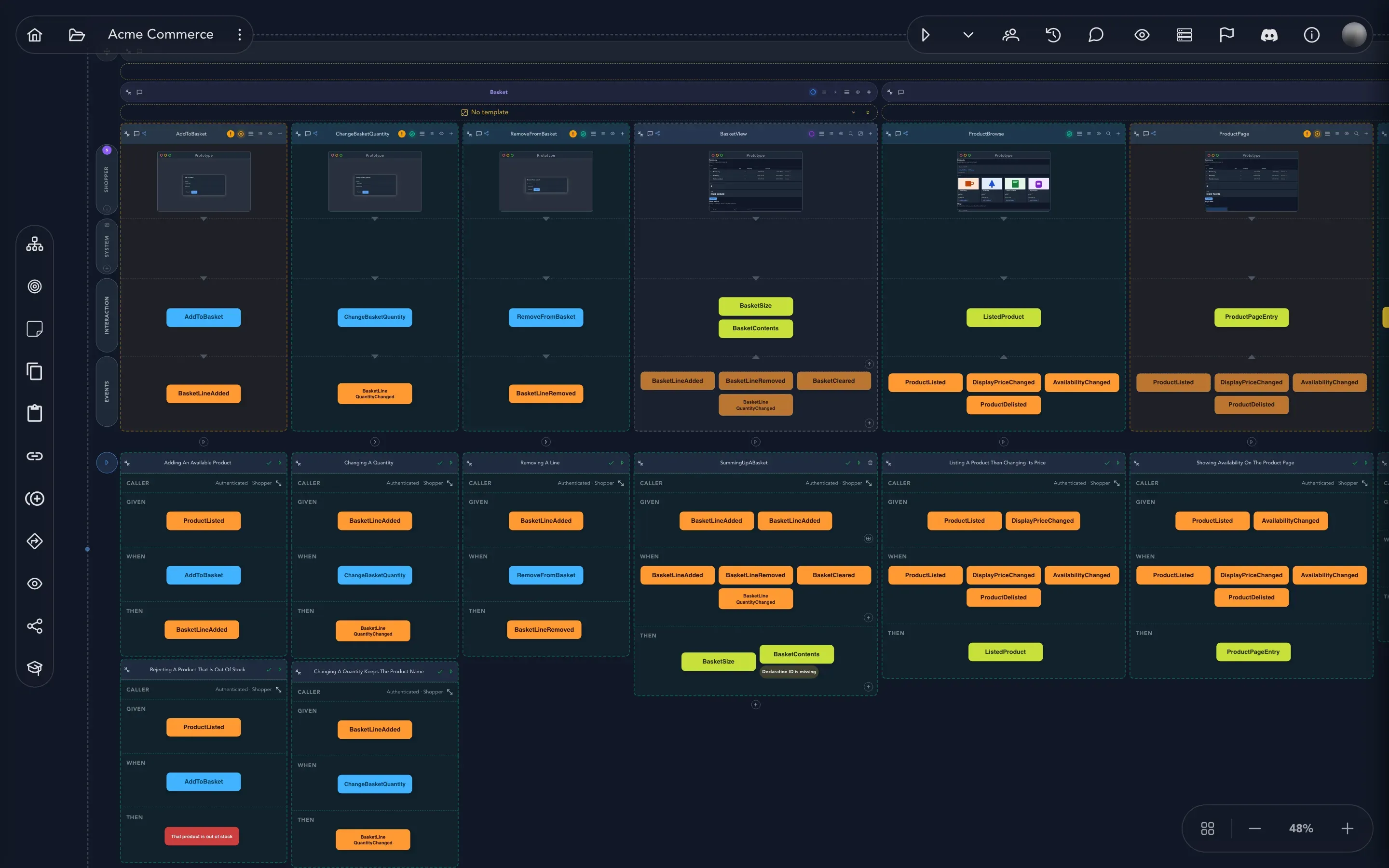
Everything on the board is one of three things. A command is a request that can be refused. An event is a fact that happened and is never taken back. A read model is what someone looks at afterwards. Boards group them in modules, features and slices. If these words are new, read Commands, events and read models first. This section is about doing the work.
What you can do here
Section titled “What you can do here” Find your way around Pan, zoom, the minimap, detail levels and the View menu.
Build the structure Add modules and features, and connect the areas of your business.
Add behavior Add a slice, pick its type and keep track of its status.
Describe a command Give a command its fields, its rules and who may run it.
Describe an event Name the facts, make one public and give it tags.
Shape a read model Map events onto a read model and add queries.
Let the system act Add automations that react to events or to the clock.
Cross a border Publish public events and translate events from other areas.
Say who does what Add actors and choose a persona for each row.
Talk about the model Sticky notes, comments and conversations on the board.
Look back and undo See what changed and restore an earlier version.
Check your work Findings, storylines, see as a caller and where a value comes from.
Copy and reuse Copy, paste, duplicate and linked copies.
Work together See who else is on the board, live.
Where to go from the board
Section titled “Where to go from the board”The board is the center of a project, and most other tasks start from it.
- To capture ideas before you have a model, use the brainstorming board.
- To design what people see, add screens to your slices.
- To prove a slice behaves as agreed, add specifications in Check behavior.
- To change the board by talking to it, see Work with AI.
- To turn the model into working software, see Build and deliver.