

Take the guided tours
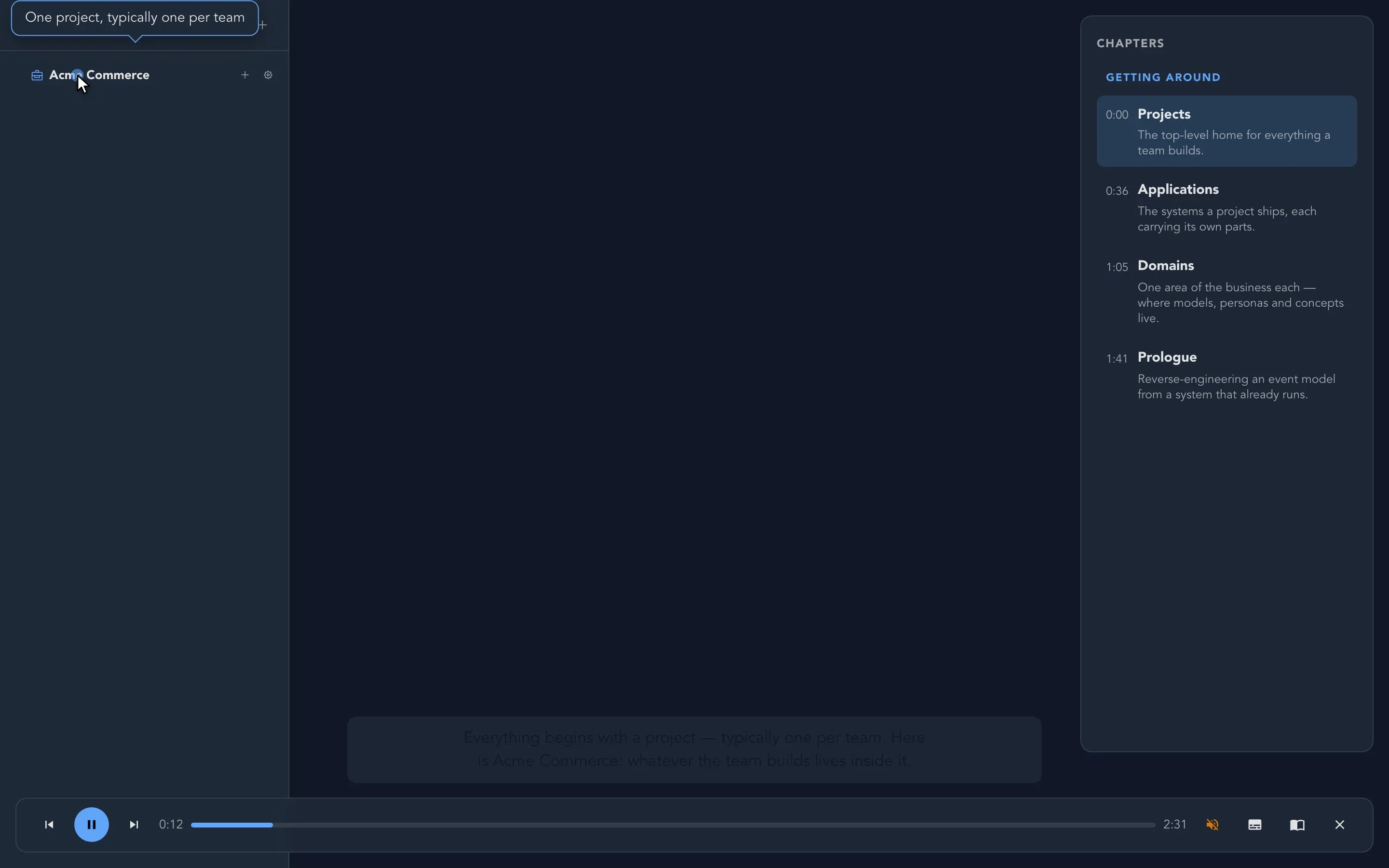
Studio can show you around itself. A guided tour is a short, narrated walk through one part of Studio: the screen you are looking at moves with the story, a pointer shows where to look, and subtitles carry the words. You can follow a tour in a few minutes, pause it whenever you like, or read it instead, at your own pace.
Start a tour
Section titled “Start a tour”-
Open the part of Studio you want to learn about. For the project drawer, open the drawer. For a board, open the board.
-
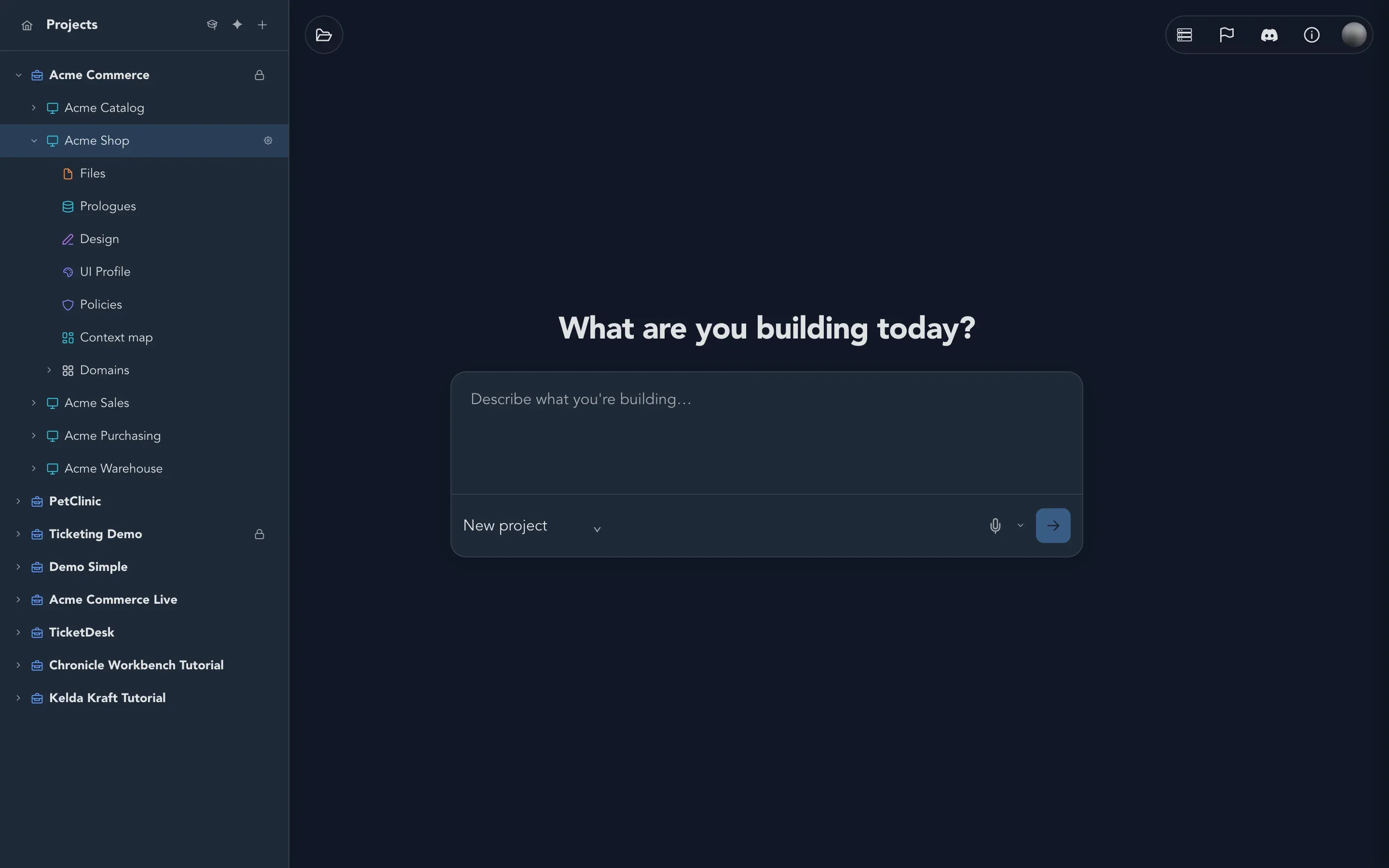
Select Take the guided tour. In the project drawer it is the graduation cap at the top of the drawer. On a board it is the last button of the toolbar on the left edge.
-
The tour starts playing. Beside the button you may see the nudge Start here to learn more.
Use the player
Section titled “Use the player”The player works the same way in every tour.
| Control | What it does |
|---|---|
| Play and Pause | Start the narration or stop it where you are. |
| Previous chapter and Next chapter | Jump between chapters. |
| The progress bar | Shows where you are in the tour. |
| Turn the voice-over off / Turn the voice-over on | Mutes or restores the narrator’s voice. |
| Hide subtitles / Show subtitles | Hides or shows the words at the bottom of the screen. |
| Read the tour at your own pace | Switches to the written version. See below. |
| Close the tour | Ends the tour and takes you back to your work. |
The Chapters list on the right shows every chapter with the time it starts. Select a chapter to jump to it. Chapters are grouped under headings, so a long tour reads like a small course.
Read it at your own pace
Section titled “Read it at your own pace”Prefer reading to listening? Select Read the tour at your own pace. The narration is replaced by a written walkthrough of the same chapters. It says what the idea is, and how to do it on a real board, with pictures. Select a chapter in the list, or use the previous and next buttons, and the board follows along, showing what the chapter talks about.
Select Return to the narrated tour to go back to the narration.
Your own work stays untouched
Section titled “Your own work stays untouched”A tour never changes your project. The tour of the project drawer points at your real drawer. The tour of the event model board draws its own small example, a shop’s ordering system, in front of you. Nothing in it is saved, so you can watch it being built without any risk to your model.
Which tour for which board
Section titled “Which tour for which board”Each place in Studio has its own tour. Start the one that matches the board you are on.
| Where | Tour | What its chapters cover |
|---|---|---|
| Project drawer | Getting around | Projects, Applications, Domains and Prologue. |
| Event model board | Event modeling | What we are building, Modules and features, Commands and events, Read models, Automations, What makes it run, Across modules, Connecting modules and The whole picture. Then the Properties on the cards, Constraints, Rules and Projections. |
| Brainstorming board | Brainstorming | A place to think, The tools, Organizing and Into an event model. |
| Concepts | Concepts | The domain’s vocabulary, The primitive underneath, Personal data, Rules and Into the model. |
| Constraints | Constraints | What a constraint is, The events that take part, Two kinds of uniqueness and Release and scope. |
| Personas | Personas | Who it is for, What they want, Roles and policies, A face for the persona and The whole cast. |
| Event sources | Event sources | What an event source is, Identity, Streams, Concurrency dimensions and Used by the model. |
| Given contexts | Given contexts | What a given context is, Events that have happened, Read model state and Using them in specifications. |
| Seed data | Seed data | Collections of starting events, Adding events, Event source and values and What seed data does. |
| State machines | State machines | What a state machine is, States, Events and guards, Entering a state and Simulate and specify. |
| Workflows | Workflows | What a workflow is, What starts a run, Actions, decisions and loops, Waiting and asking, Outlets and failure and Simulate and check. |
| Policies | Policies | What a policy is, The requirement and Groups and custom logic. |
What happens next
Section titled “What happens next”- Find your way around: the written version of the first tour.
- Model your first behavior: put what you learned to work.
- Event modeling in Studio: the ideas behind the event modeling tour.