

Build and deliver
An event model describes what a system does. This section is about what comes after: turning that description into software, and keeping track of how far along each part is.
Three ways to get from model to software
Section titled “Three ways to get from model to software”You choose how a slice becomes software, per application, in the application’s settings. Nothing about the model changes when you choose differently.
- Keep the model as the deliverable. The model is complete and exact enough to hand to a team, to export, or to keep next to code that people write by hand. Studio writes no code.
- Generate code from the model. Studio renders the code for commands, events, read models, rules and constraints from the model, the same way every time. You preview it, generate it, and review the result before it is merged. You can also let an AI agent add the parts that cannot be rendered.
- Let a builder or a coding agent build it. A builder is a program that registers with your organization and builds slices on a machine you control, for a stack you choose. Developers can also connect their own coding agent to a board, so the agent models and builds alongside the team.
The first two are covered here. The third is described for developers in For developers; start with Builders.
What you can do here
Section titled “What you can do here” Choose how slices are built Pick Screenplay only, Static code, Static code + AI or AI only for an application.
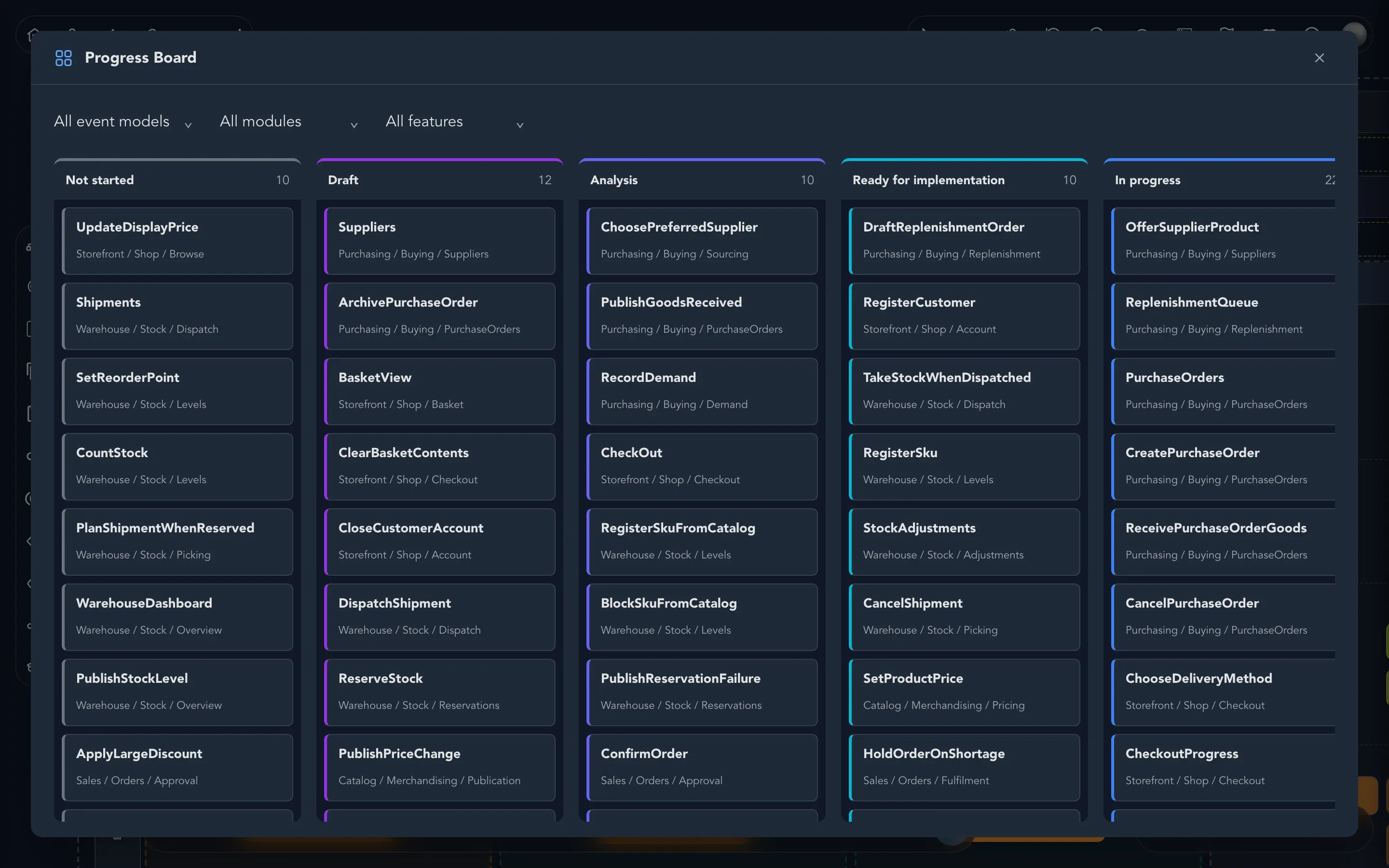
Track progress Change a slice's status, assign it, and see every slice on the Progress board.
Generate and review code Preview what would be written, generate it, follow the run and review the work.
Connect a repository Give a project the repository that generated code is written to.
Keep a board in sync with Git Commit the board's Screenplay files to a folder of the repository, and bring changes back.
Link slices to issues Link a slice to an issue in GitHub, Jira, Linear or another tracker, and keep their status in step.
Publish and collect feedback Publish an application and collect feedback from the people who use it. Experimental.
Where to go next
Section titled “Where to go next”- To share the model without building anything, see Share and export.
- To connect your own coding agent or builder, see For developers.
- To set up the people, AI providers and integrations that building depends on, see Your organization.