

Collaborate on a board
A board is meant to be worked on by several people at once: the product owner, the domain expert and the developer, in the same model at the same time. Studio shows who is there and what they are doing, and keeps everyone’s view up to date.
See who is on the board
Section titled “See who is on the board”-
Select Active collaborators in the top bar. When you are alone, it says Only you.
-
Read the list. Each person is shown with the area they have open, such as Event Model, Brainstorming, Concepts or Personas.
-
A person who has stepped away is marked (idle).
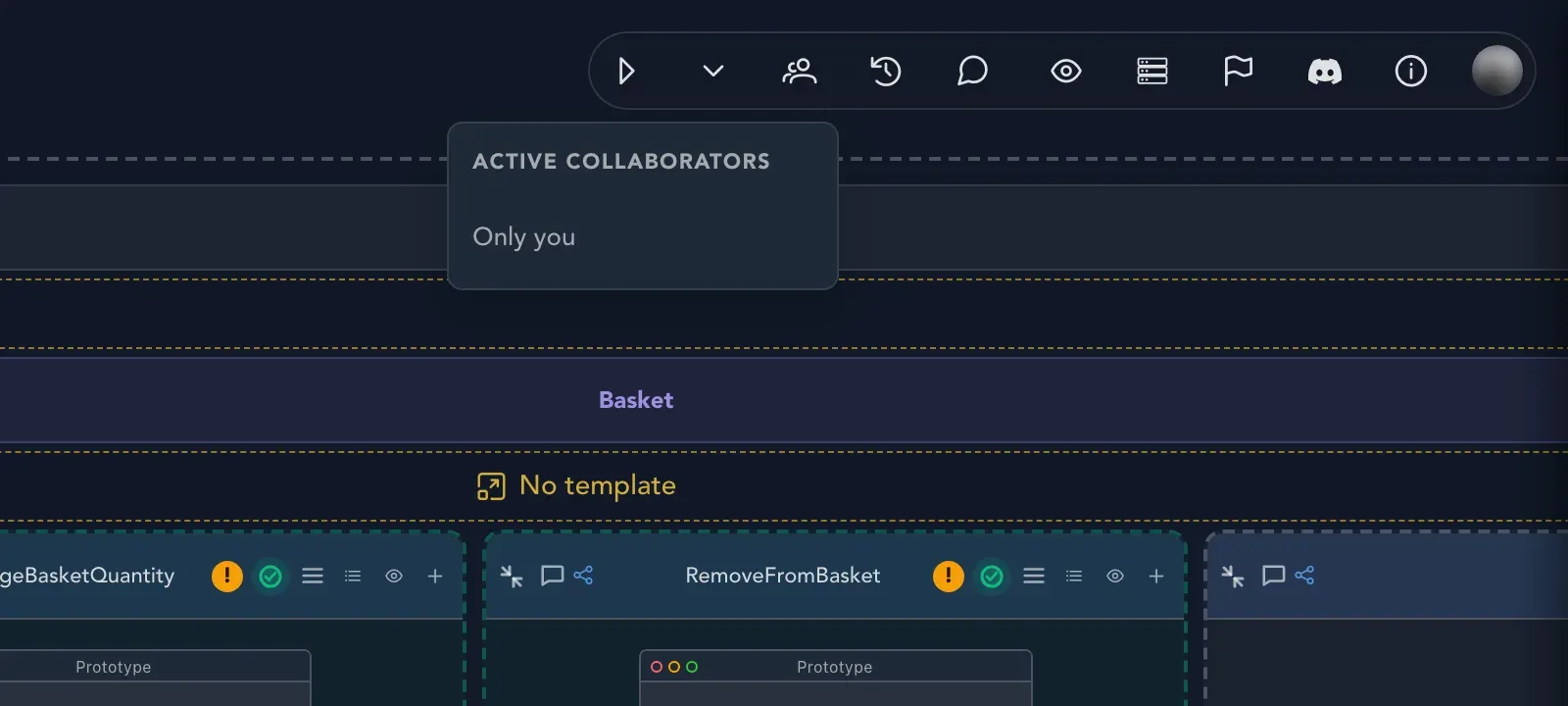
If you have the same board open in more than one tab, the list says You are also open in N other tabs.
Work at the same time
Section titled “Work at the same time”People who are on the same board see each other’s live cursors, and changes show up as they are made. There is no need to refresh the page or to take turns. Typing indicators show who is writing a comment. See Notes, comments and topics.
If someone changes something by mistake, you can bring it back from the board’s history. See History and restore.
Related pages
Section titled “Related pages”- History and restore: see what changed while you were away.
- Notes, comments and topics: talk about the model.
- Share and export: show a board to people who are not in the project.