

Roles and permissions
Every person in your organization has one of two roles: Maintainer or Member. The role decides who can look after the organization itself. It does not decide who may model: both roles work on boards.
What each role can do
Section titled “What each role can do”| Maintainer | Member | |
|---|---|---|
| Open Organization settings and read every page | Yes | Yes |
| Invite and remove people, assign seats | Yes | No |
| Buy seats, change or cancel the subscription | Yes | No |
| Set up AI providers, agents, the decision engine and conversation mode | Yes | No |
| Connect integrations, webhooks, builders and the MCP credential | Yes | No |
| Protect a project or lift its protection | Yes | No |
| See and change every project | Yes | Opens every project to read it |
When a member opens a page they cannot change, the page tells them. The Agents page, for example, says You are not a maintainer of this organization, so the agents are read-only here. Choosing a plan works the same way: the trial banner tells a member to Ask your organization’s maintainer to choose a plan.
Make someone a maintainer
Section titled “Make someone a maintainer”You need to be a maintainer yourself.
-
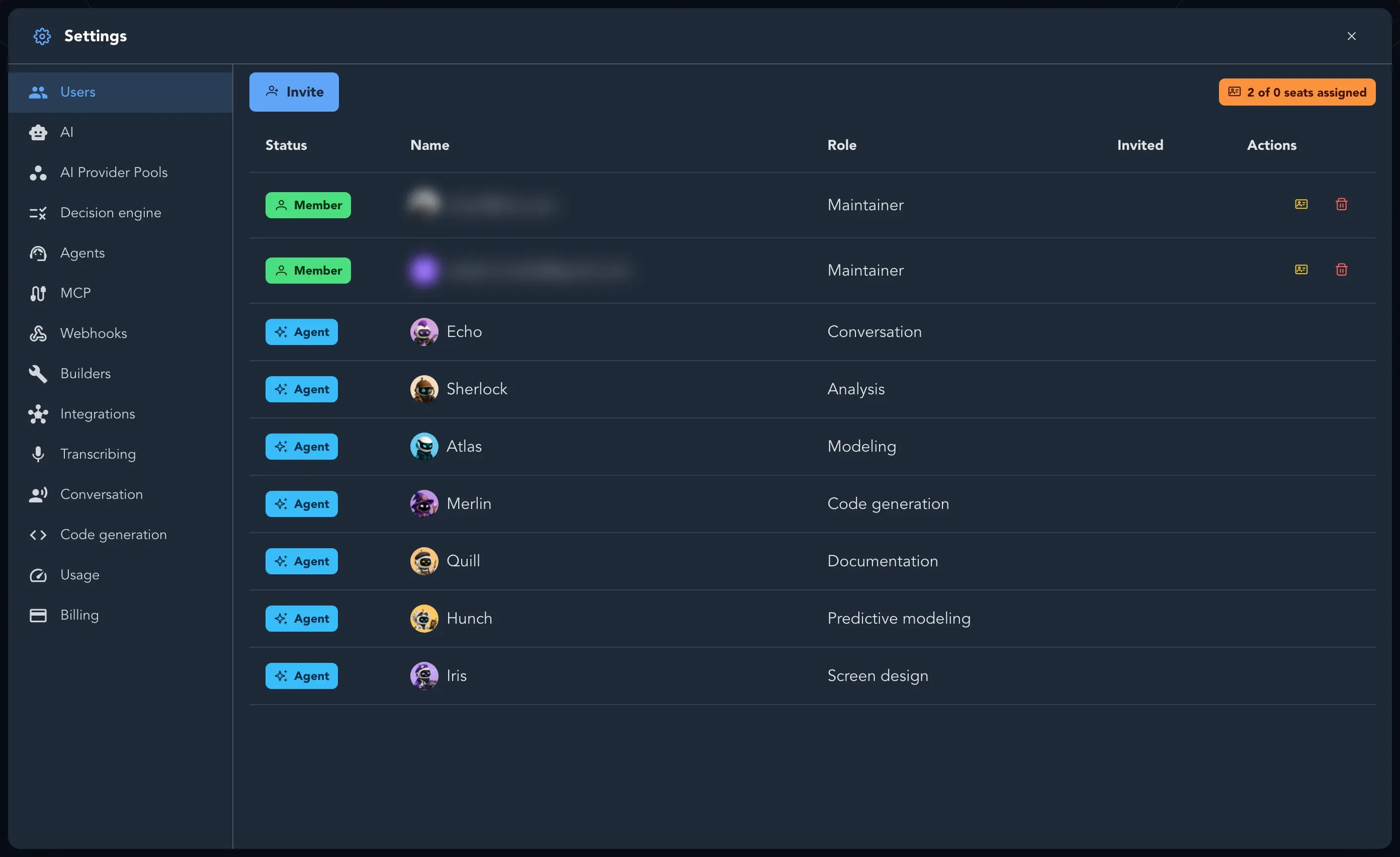
Open Organization settings and select Users.
-
Find the person in the list and open their Actions.
-
Select Make maintainer. Studio asks you to confirm: Maintainers manage the organization: they invite and remove people, assign seats and can see and change every project.
-
Confirm. The Role column now says Maintainer.
Roles inside the application you model
Section titled “Roles inside the application you model”Roles in this page are about your Studio organization. The roles of the application you are modeling, such as SalesManager in Acme Commerce, are a different thing: you define them in Application Settings on the Roles tab. See Project and application settings.