

Discover your domain
Discover your domain
Understand the business before you draw it
A domain is one part of the business with its own words and its own rules. Studio gives each domain a set of canvases for getting that understanding out of people’s heads and into a shared, checkable form.
The event model board is where behavior is drawn. The canvases in this section are where you do the thinking around it: the facts that happen, the words the business uses, the people involved and the rules that must never be broken. You can start with any of them, and you can come back to them whenever the model raises a question.
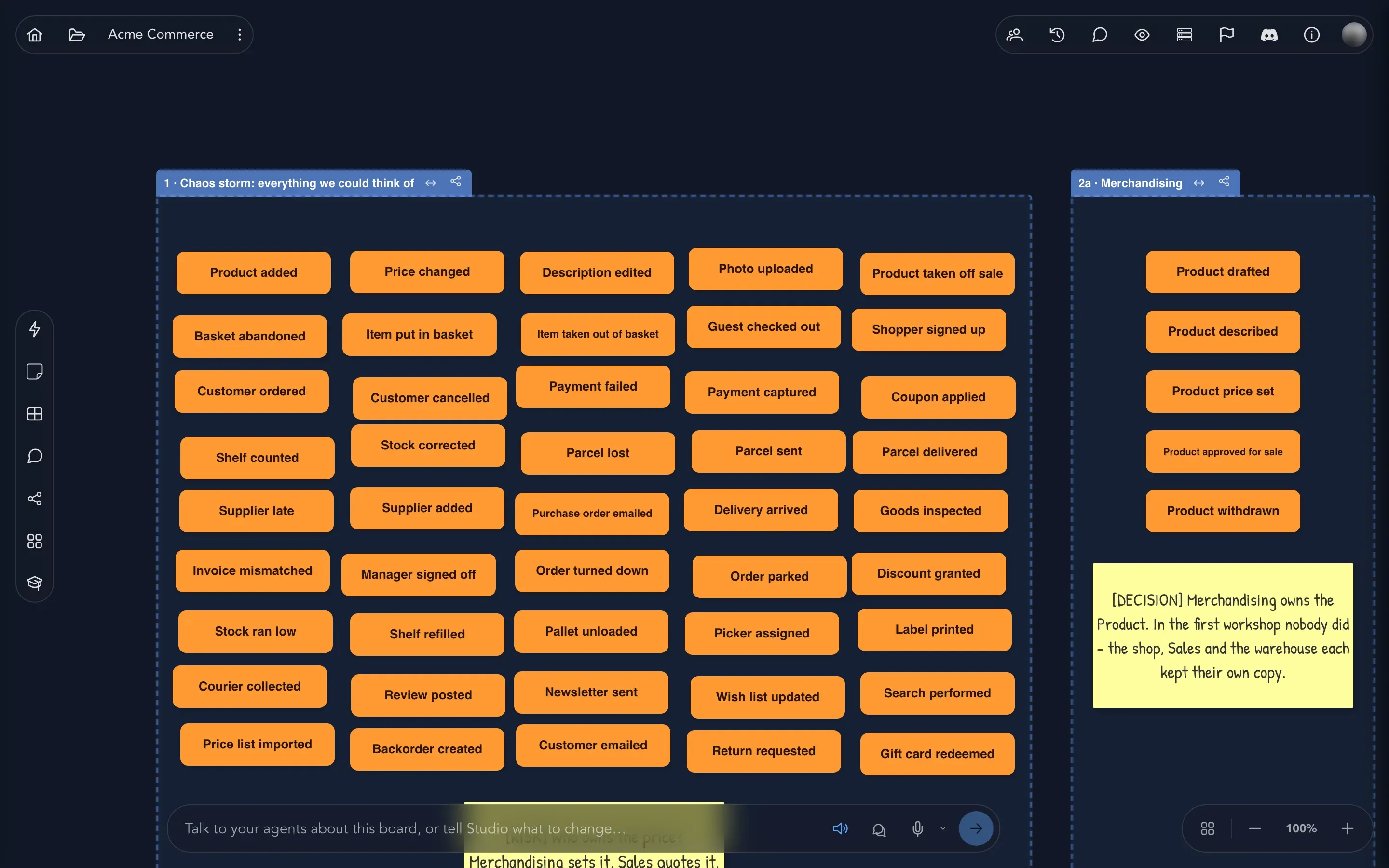
Most canvases share the same habits. They are free-form, so you drag cards where they read best. They have a toolbar down the left edge, with Add Sticky Note for the thinking that is not settled yet and Arrange to tidy the cards. Changes are saved as you make them. Look for Take the guided tour on a canvas to have it explained step by step.
What you can do here
Section titled “What you can do here”Where to find them
Section titled “Where to find them”Open the project drawer and expand an application, then a domain. Under a domain you find Event Models, Brainstormings, Personas, Concepts, Constraints, State machines, Workflows, Given contexts, Seed data and Event Sources. Under an application you find Prologues, Policies and Context map, among others. Selecting one opens its canvas.
The sample project Acme Commerce has examples of most of them, and every picture in this section comes from it.
Where to go next
Section titled “Where to go next”- Event modeling in Studio explains the ideas behind the board that these canvases feed.
- The event model board is where the facts you capture here become slices.
- The glossary explains every term.
- Talk to your board lets you ask an agent about what you have captured.