

Issue an MCP credential
An AI agent can work with your organization over the Model Context Protocol (MCP). It can read and change your projects, event models, brainstorming boards and concepts, and only this organization’s. Before it can, a maintainer issues the organization’s credential.
Before you start
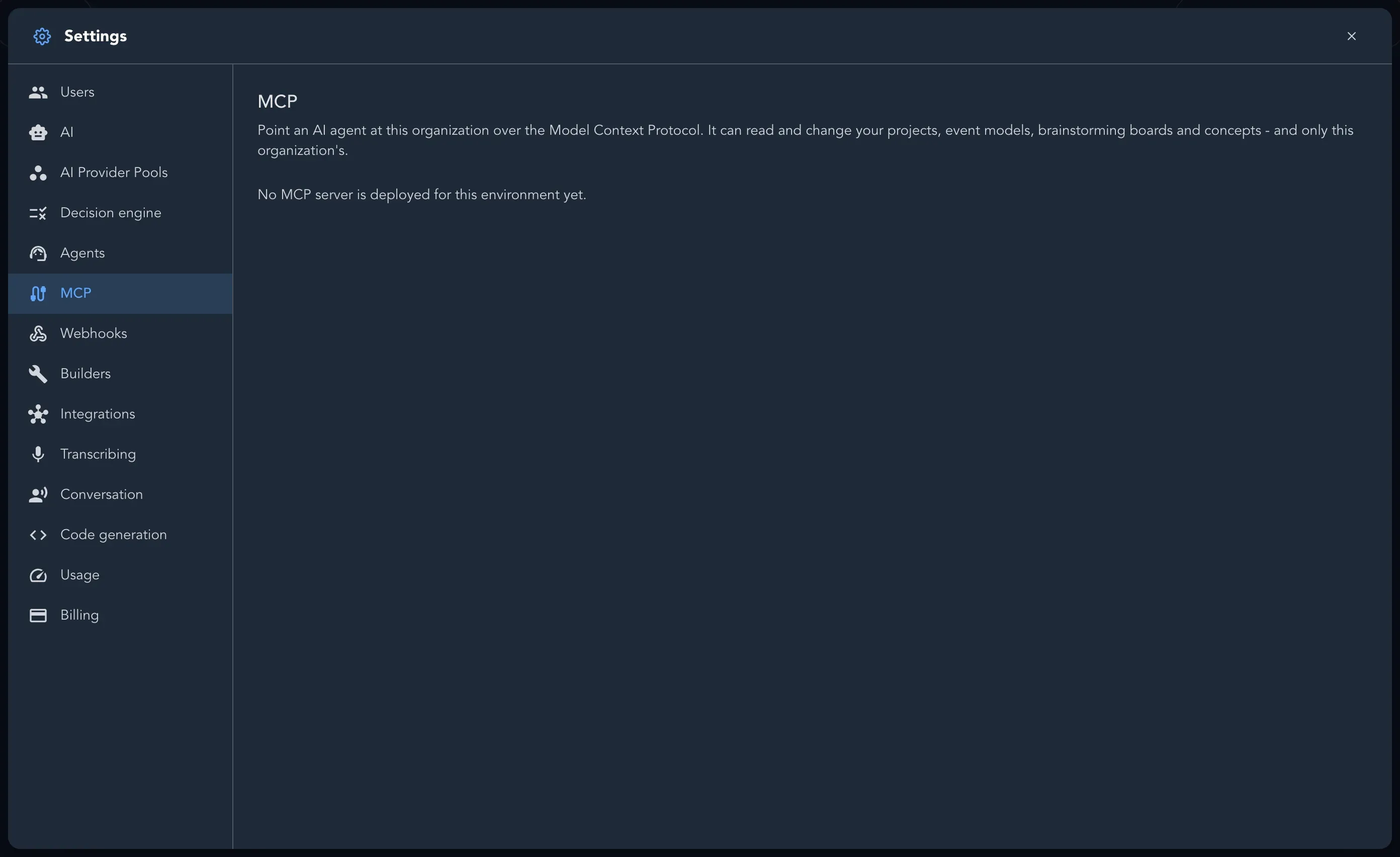
Section titled “Before you start”You are a maintainer. An organization has one MCP credential. If the page says No MCP server is deployed for this environment yet., MCP is not available for this Studio.
Issue the credential
Section titled “Issue the credential”-
Open Organization settings and select MCP.
-
Select Issue credential.
-
The page now shows the Endpoint, the Client ID and the Client secret. Select Show to read the secret, and Hide to cover it again.
If issuing fails, the page says nothing was changed. Try again; if it keeps failing, the organization’s encryption key may not be ready yet.
Connect the agent
Section titled “Connect the agent”How to connect on the same page lists the steps. The full walk-through, with examples for common agents, is in Connect an AI agent over MCP.
Rotate the secret
Section titled “Rotate the secret”Select Rotate secret and confirm. A new secret is generated at once and the current one stops working, so every agent using it has to be reconfigured.