

Seats
A person needs an assigned seat to use Studio. Your organization has a pool of seats; you hand them out to people and take them back when someone stops needing one.
Where seats come from
Section titled “Where seats come from”- Your free trial includes seats while it lasts.
- Seats you buy under Billing. See Billing and your subscription.
- Seats that Cratis grants your organization.
See how many are in use
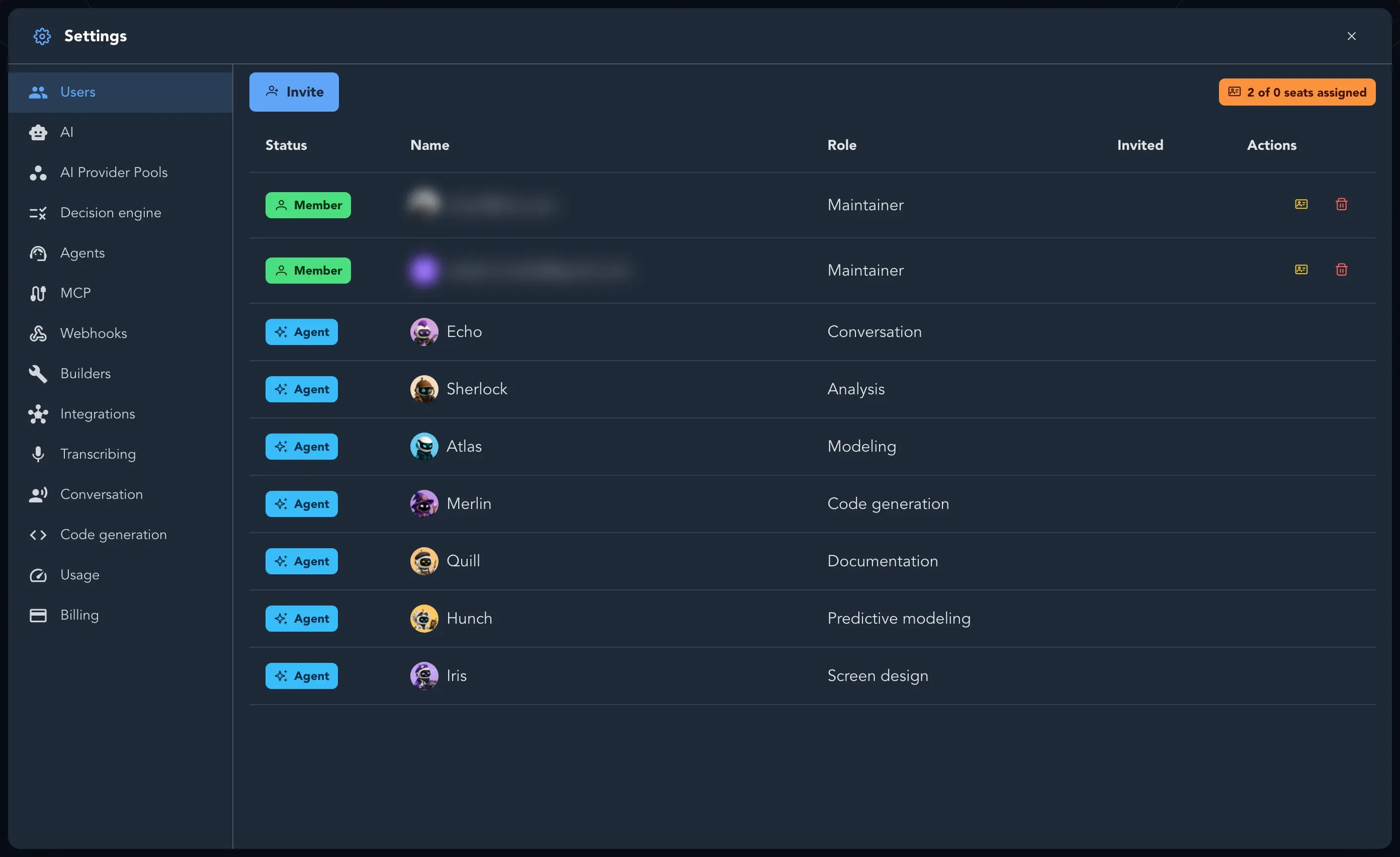
Section titled “See how many are in use”On Settings > Users the counter reads, for example, 3 of 5 seats assigned. A plan with unlimited seats reads N seats assigned (unlimited).
Assign a seat
Section titled “Assign a seat”You need to be a maintainer.
-
Open Organization settings and select Users.
-
Open the person’s Actions and select Assign seat.
-
Studio says it assigns the next available seat from your seat pool to that person. Select Assign.
If none is free, the dialog says There are no more seats available - add seats from the Billing page.
Take a seat back
Section titled “Take a seat back”Open the person’s Actions, select Unassign seat and confirm with Unassign. The seat goes back to the pool. The person cannot use Studio until a seat is assigned to them again.
What a person without a seat sees
Section titled “What a person without a seat sees”When your organization has no license, a maintainer sees You do not have a license with Purchase seats, and a member sees Contact your organization admin to get a license. The same screen appears when a license has expired (Your license has expired), is suspended while a payment is outstanding, or the trial is over (Your free trial has ended: Your organization and its work are kept. Choose a plan to continue.).