

Design how your system behaves, together
Cratis Studio is the shared board where product owners, domain experts, designers and developers model events, screens and examples - and carry them on to working software. These guides show you how.
New to Studio? Start here
Section titled “New to Studio? Start here” What is Cratis Studio What Studio does, who it is for, and how a team works in it.
Model your first behavior A fifteen-minute tutorial: from an empty project to a slice you can try out.
Explore the sample Walk through Acme Commerce, a complete model of an online shop.
Event modeling in plain words Commands, events, read models and slices - the ideas behind the board.
What you can do
Section titled “What you can do”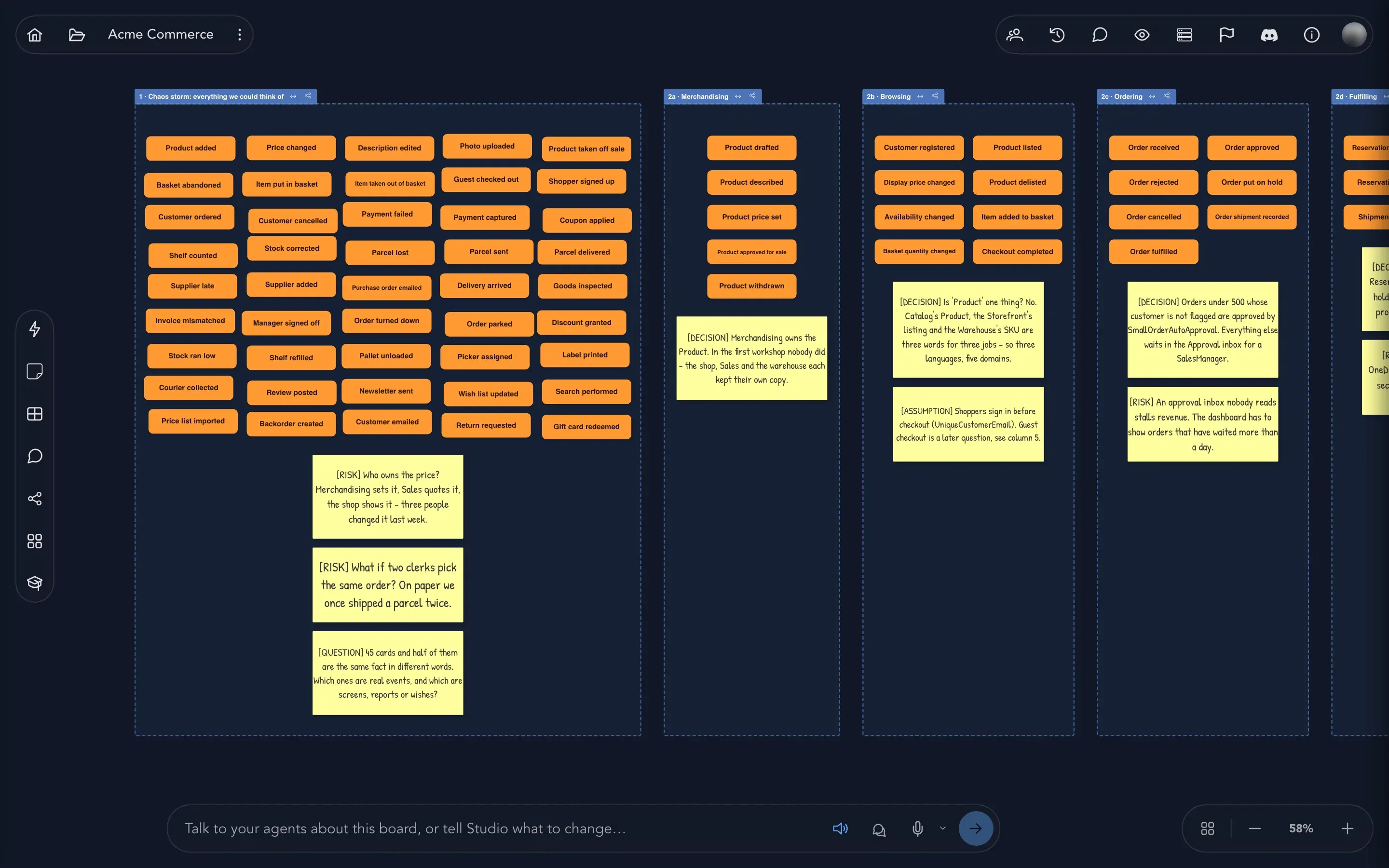 Discover your domain
Brainstorm what happens in the business on sticky notes, then find the concepts, rules and people behind it.
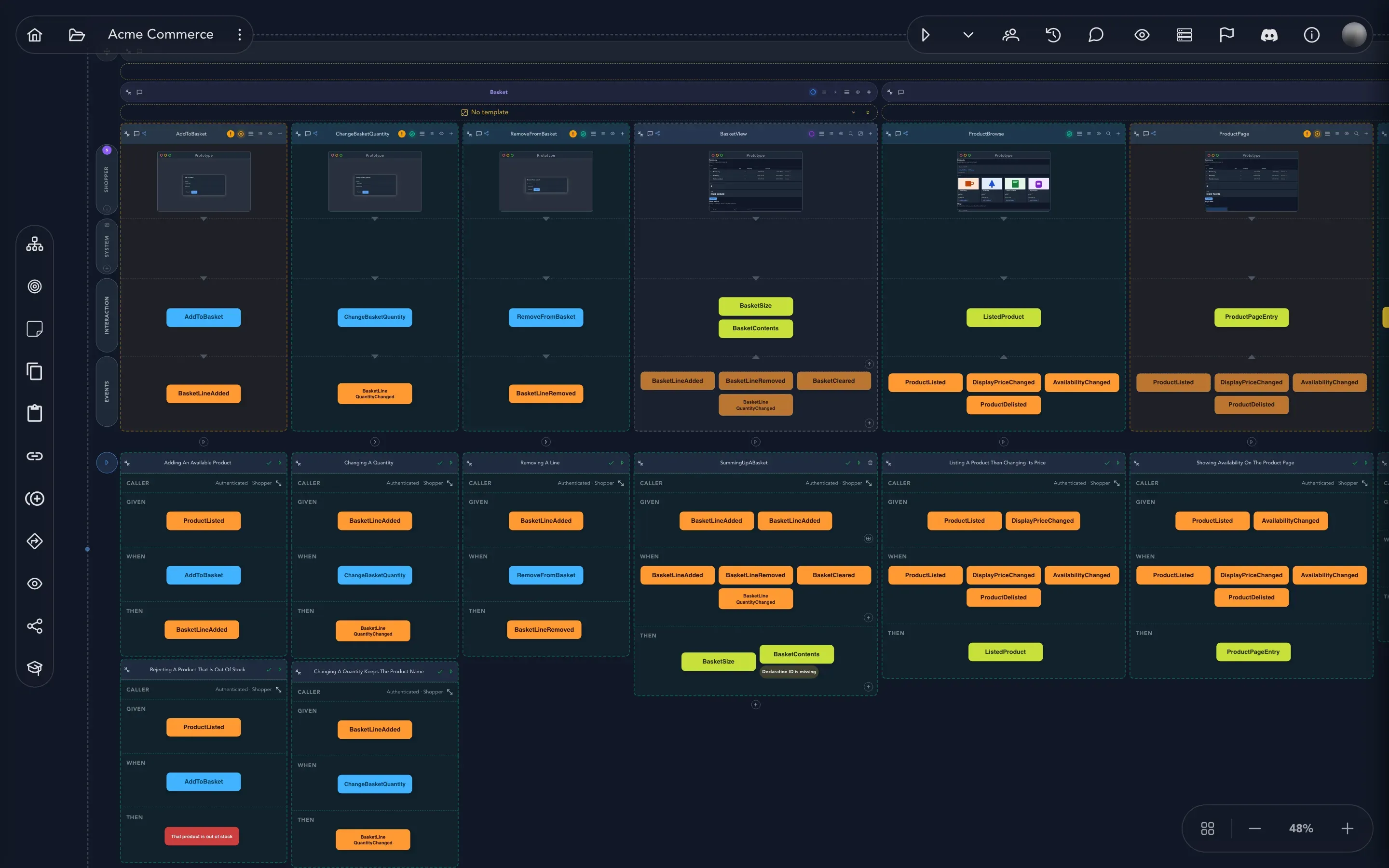
Model on the board Lay out screens, commands, events and read models on one timeline, and shape them into slices.
 Design screens
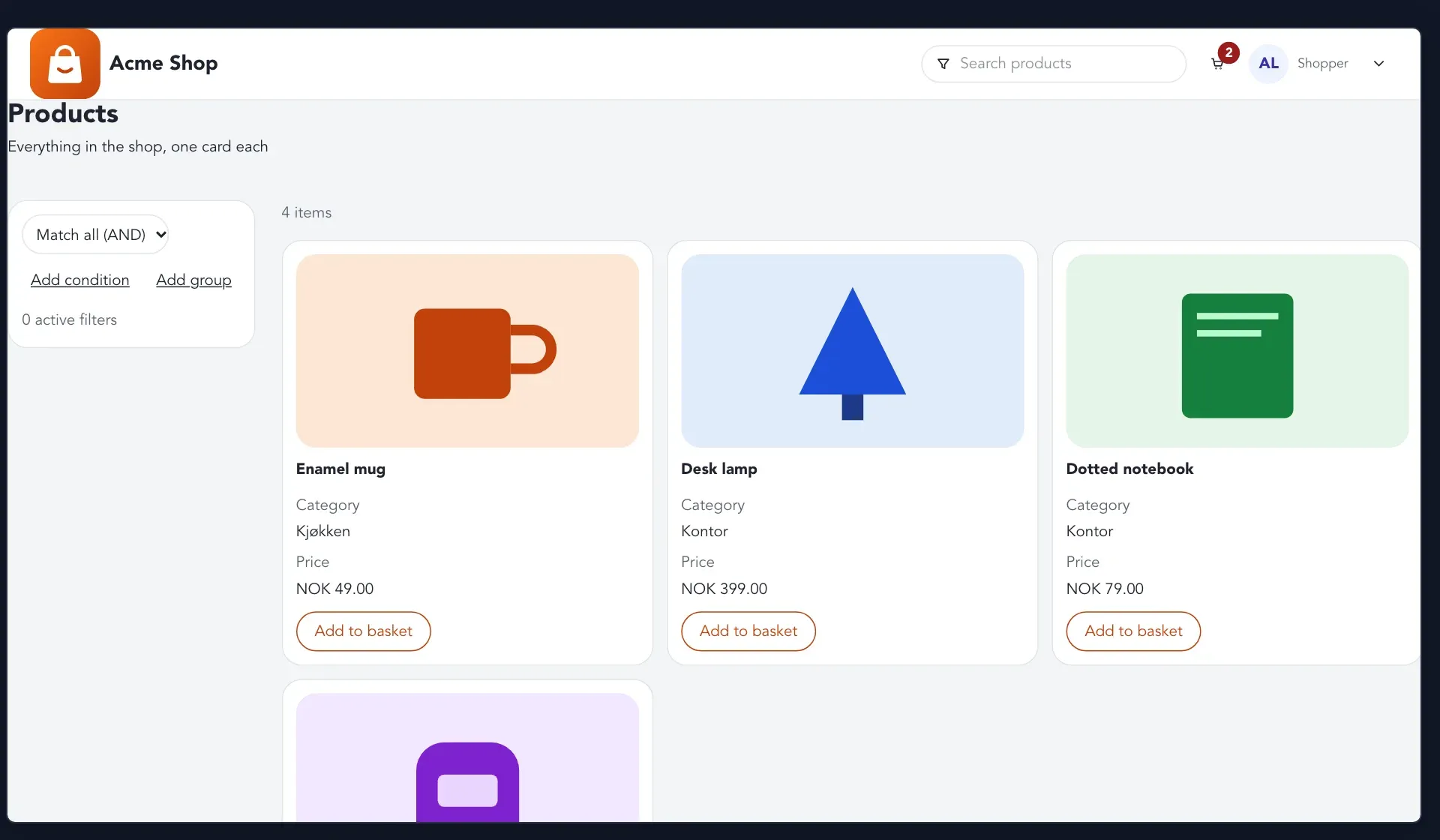
Sketch the screens people will use, and preview them with realistic data and personas.
 Check behavior
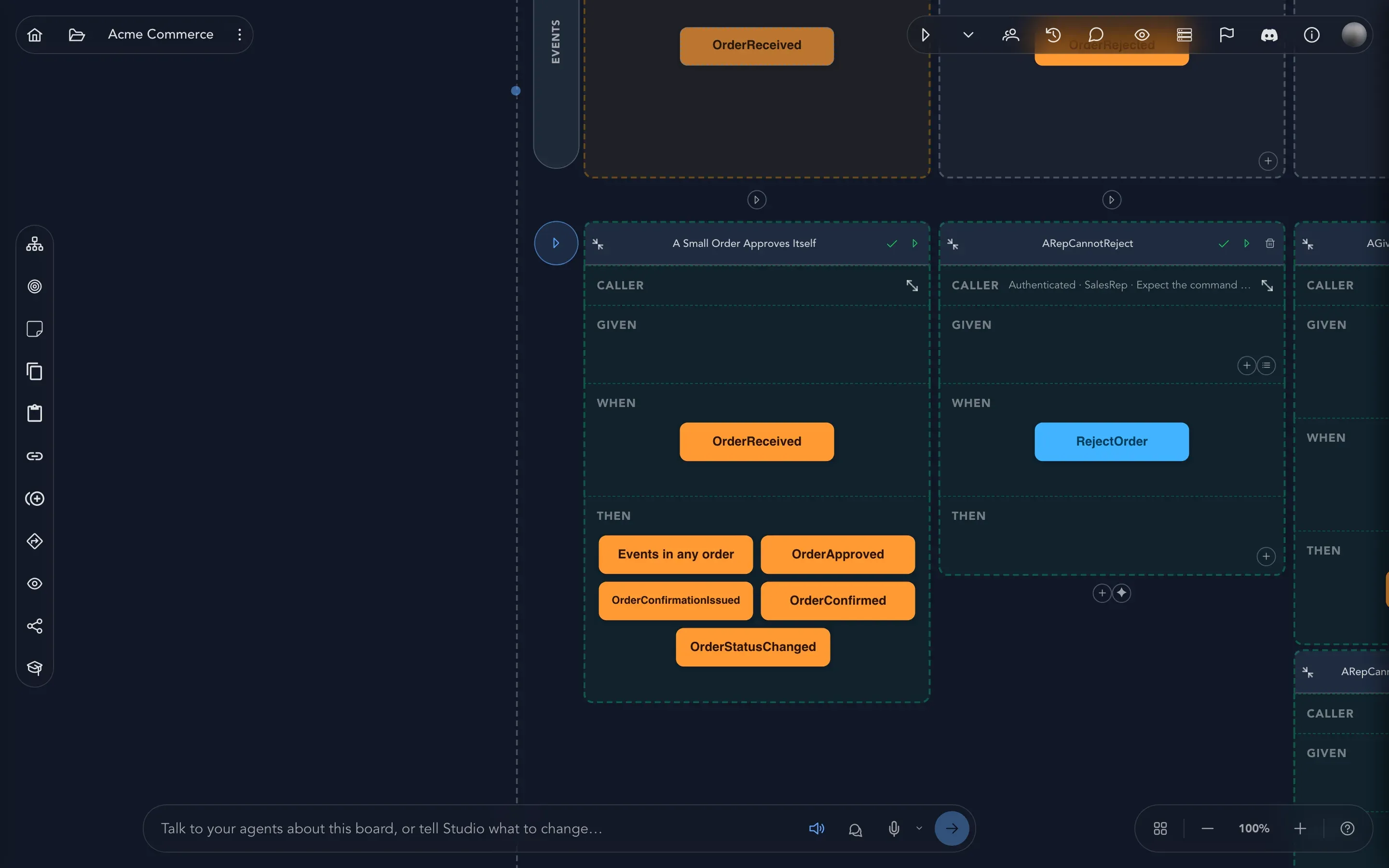
Pin down every rule with Given/When/Then examples, and play the model as a running application.
 Work with AI
Tell the board what to change, get suggestions, and model by voice with your team’s AI provider.
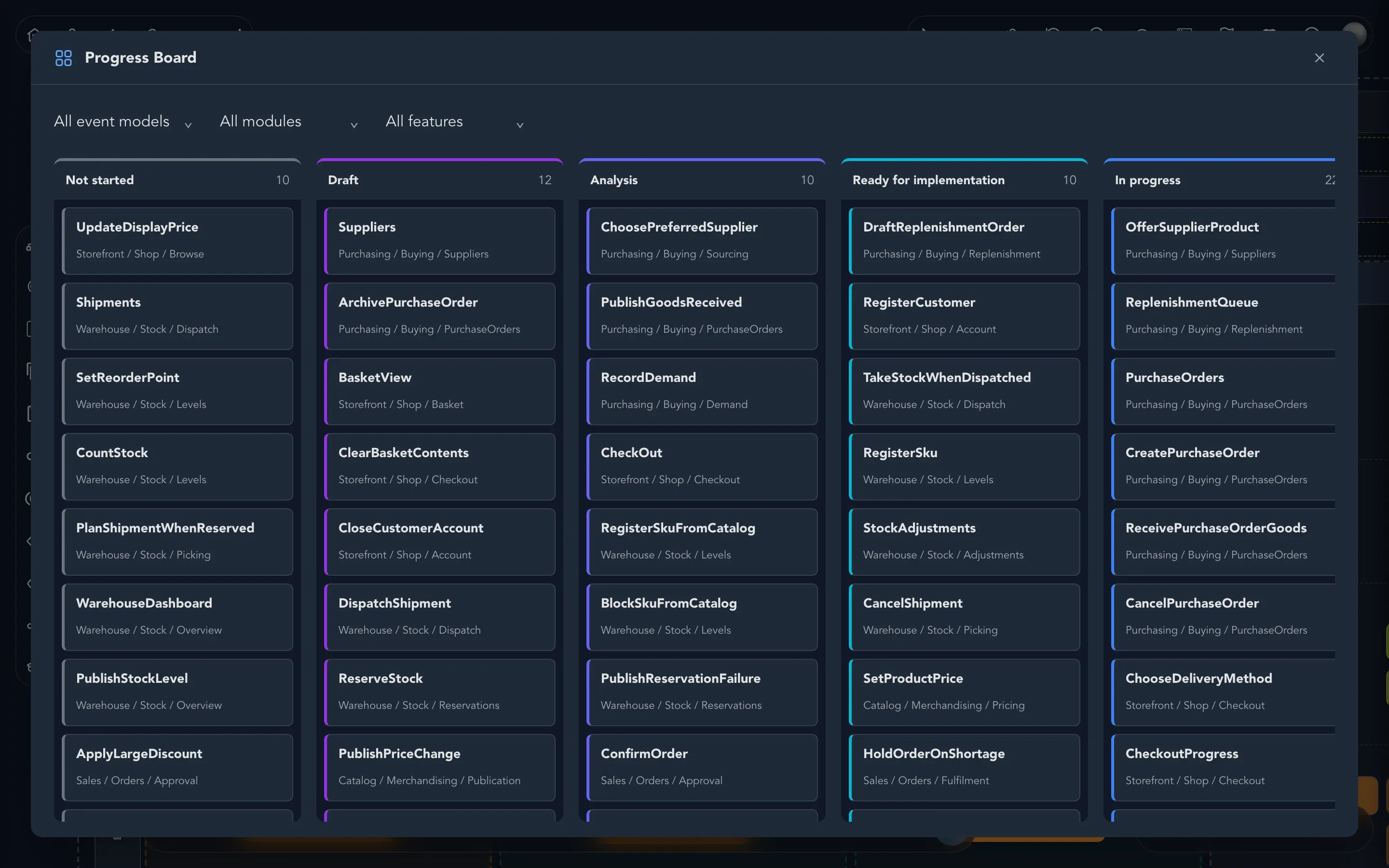 Build and deliver
Follow every slice from idea to done, generate code, and hand slices to builders and coding agents.
Running a team?
Section titled “Running a team?” Invite people Bring your team into your organization and give them the right roles.
Seats, billing and your subscription Buy seats, change your plan, or cancel.
Set up AI Choose the AI provider your organization's agents use.
Connect your tools GitHub, Jira, Linear, GitLab, Azure DevOps and Miro.
Building on Studio?
Section titled “Building on Studio?” Connect an AI agent over MCP Let your own agent read and change models through the Model Context Protocol.
Builders How Studio hands slices to a builder, and what the builder answers.
Screenplay files The model as text files you can keep in Git, export and import.
All developer guides Webhooks, agent context, build orders and more.
Need a hand?
Section titled “Need a hand?”Look things up in the glossary and the keyboard shortcuts, or get help from the Studio team - you can report a problem right from inside Studio.